Overview
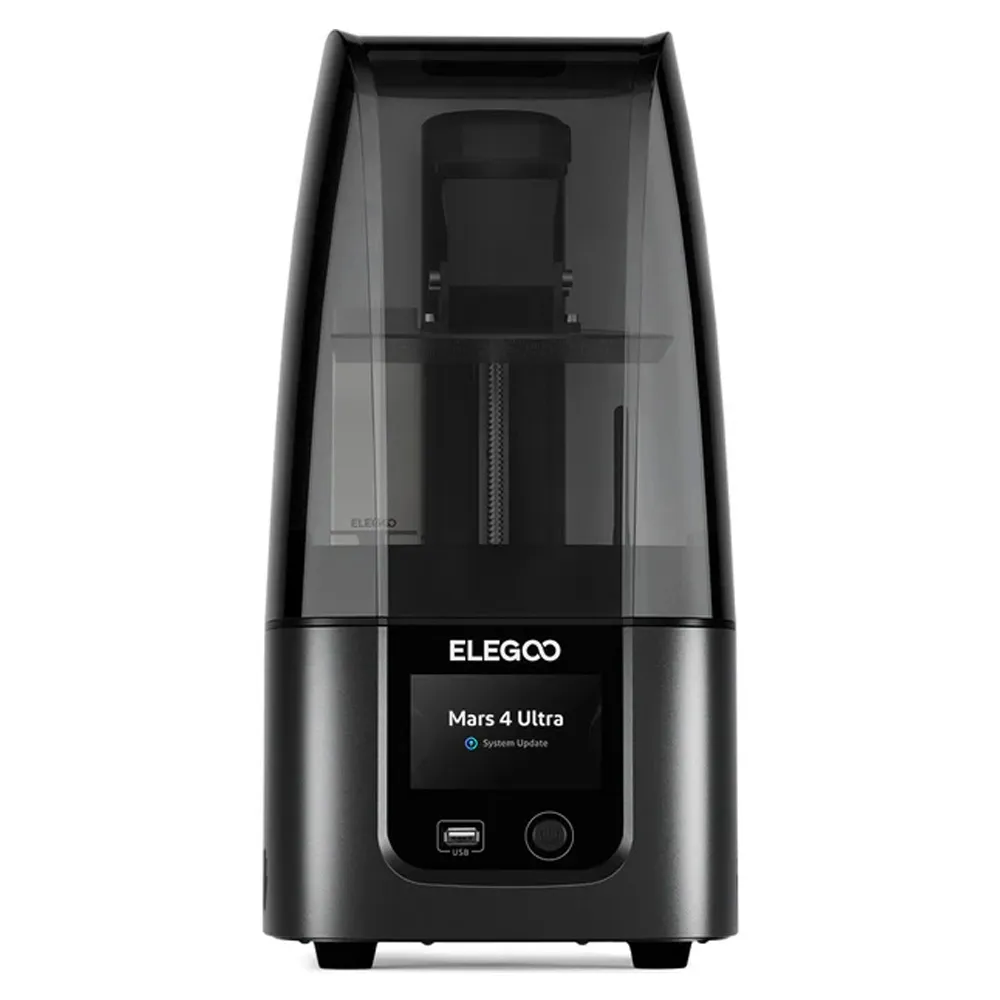
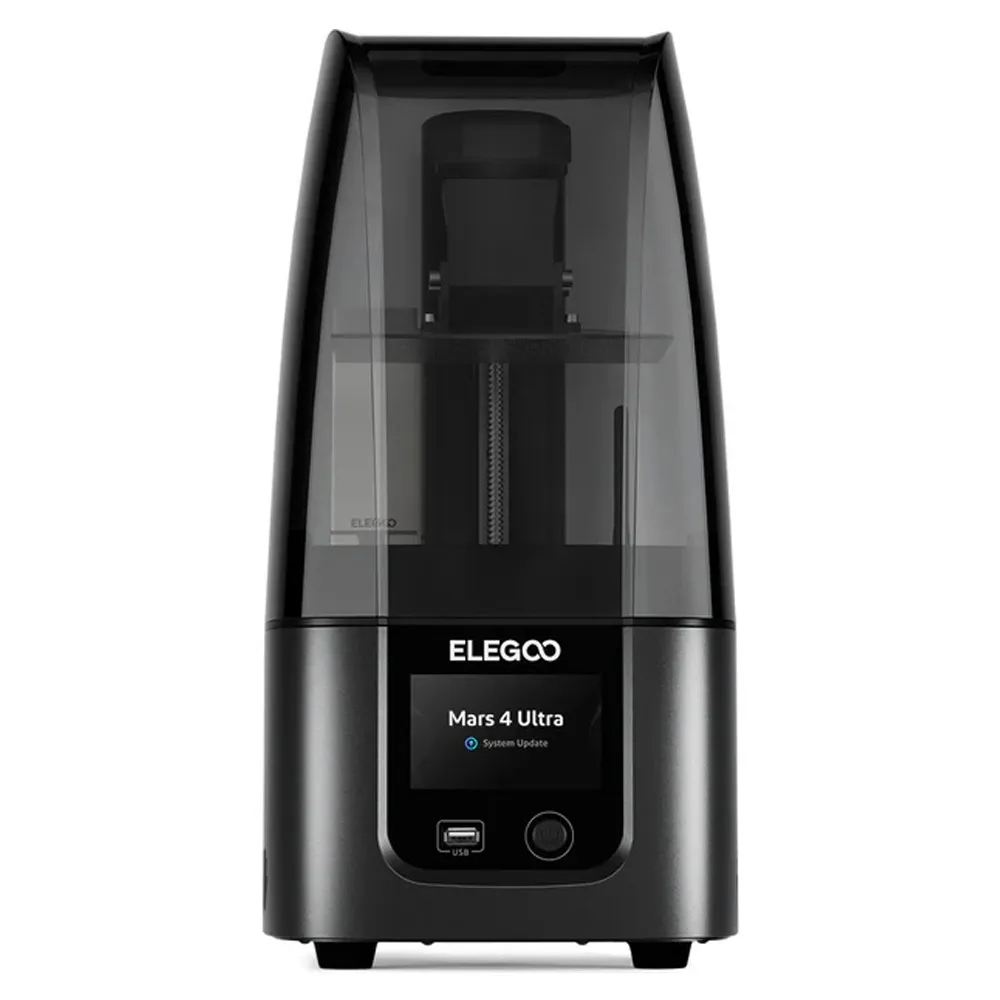
Mars 4 Ultra 9K delivers high-resolution 3D printing with advanced features and durability
Pricing
| MRP (list) | ₹0 |
|---|---|
| Discount | 0% |
| Offer price (rounded) | ₹0 |
| You save vs MRP | — |
Offer = MRP × (1 − discount%), rounded to whole rupees. Confirm on Teethment before purchase.
Features
High Resolution: 7-inch 9K mono LCD with a resolution of 8520 x 4320, delivering exceptional detail in prints.
Fast Operation: Equipped with a Linux operating system and 4GB RAM for quick file loading and smooth performance.
User-Friendly Leveling: 4-point hassle-free leveling system ensures easy setup and consistent print quality.
Durable Protection: The LCD screen is protected by 9H hardness tempered glass, enhancing durability and longevity.
Improved Adhesion: Laser-carved surface on the build plate enhances model adhesion and reduces print failures.
Innovative Release Film: ACF release liner film minimizes release tension for higher printing success rates.
Versatile Printing: Capable of printing intricate models with a layer height range of 0.01 - 0.2 mm.
Details
Elegoo Mars 4 Ultra 9K MSLA 3D Printer is a state-of-the-art device designed for precision and high-quality printing. Featuring a 7-inch 9K mono LCD with an exceptional resolution of 8520×4320 and 18µm XY resolution, it delivers intricate and detailed models effortlessly. The LCD is safeguarded by a robust 9H hardness tempered glass, ensuring durability while maintaining peak performance. Its advanced Linux operating system, equipped with 4GB RAM, enables rapid file loading and smooth operation, enhancing user experience. The printer's user-friendly 4-point leveling system simplifies setup, eliminating the need for repeated adjustments, ensuring consistent and accurate prints. Additionally, the laser-carved build plate enhances adhesion, significantly reducing the chances of print failures. The innovative ACF release liner film minimizes release tension, allowing for a high success rate even at increased printing speeds. Ideal for enthusiasts and professionals alike, the Elegoo Mars 4 Ultra redefines the possibilities of 3D printing.
Key specifications
Printing Technology: MSLA (Masked Stereolithography)
Build Volume: 218 x 123 x 235 mm
LCD Screen Size: 7 inches
LCD Resolution: 8520 x 4320 (9K)
XY Resolution: 18 µm
Layer Height: 0.01 - 0.2 mm
RAM: 4 GB
Operating System: Linux
Leveling System: 4-point hassle-free leveling
Packaging
1 x Mars 4 Ultra 9K
Directions for use
Setup:
Unbox the printer and place it on a stable, level surface.
Connect the power supply and plug it into a wall outlet.
Turn on the printer using the power button.
Install the Resin Tank:
Open the printer cover and carefully remove the resin tank.
Pour your desired resin into the tank, filling it up to the recommended level.
Reinstall the resin tank securely.
Level the Build Plate:
Use the 4-point leveling system to ensure the build plate is properly leveled.
Follow the on-screen instructions to adjust the build plate height, if necessary.
Prepare the Model:
Use slicing software (e.g., Chitubox) to prepare your 3D model.
Import your model, configure the settings (layer height, support, etc.), and generate the G-code file.
Transfer the File:
Save the G-code file to a USB drive.
Insert the USB drive into the printer's USB port.
Start Printing:
Navigate through the printer’s menu to select the G-code file you uploaded.
Confirm the print settings and start the printing process.
Monitor the Print:
Keep an eye on the printing progress through the LCD screen.
Ensure that resin is continuously available in the tank.
Post-Processing:
Once printing is complete, carefully remove the build plate from the printer.
Use a scraper to detach the printed model from the build plate.
Rinse the model in isopropyl alcohol (IPA) to remove uncured resin.
Cure the model using a UV light or curing station as per your resin manufacturer's instructions.
Warranty
Manufacturer/Importer warranty of 1 Year against manufacturing defect
Service and Warranty are handled by the manufacturer/importer directly for this product
Dentalkart will not be liable to replace the Products and the liability to replace any such Product is that of the Manufacturer/Importer
Dentalkart and the Buyer acknowledge that the Products purchased/used are a subject matter of original Manufacturer/Importer’s warranties only
Any or all claims in relation to returns and replacement shall be made to the concerned Manufacturer/Importer only and Dentalkart may assist the customer in registering a request to get the Product replaced or serviced.
The Buyer acknowledges that the Products once sold will not be exchanged or taken back unless the seal of the package or the Product is intact or not altered in any manner or is not tampered as the case may be.
Image